


3 PRO TIPS TO IMPROVE THE AESTHETIC OF YOUR PC
Building a PC is no longer just about chasing raw frame rates and benchmarking scores—it has evolved into an art form. Since your rig often sits proudly on your desk, it serves as the centerpiece of your workspace or gaming sanctuary. Here are three pro tips for transitioning from a messy box of wires to a show-stopping masterpiece.
Choose the Right Chassis
Your PC case is the canvas of your build. When choosing a chassis, it needs to look excellent on its own and, more importantly, fit harmoniously into its environment.
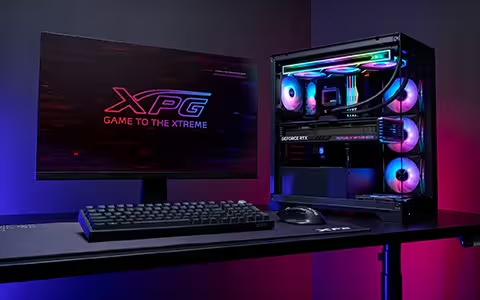
An ocean-view chassis such as the INVADER X BTF provides an uninterrupted, panoramic view of your internal components, turning your PC into a glowing museum exhibit. For those who prefer a minimalist or space-conscious setup, SFF-Ready cases like the VALOR MESH NANO are ideal and specifically blend into a modern office.

System Configuration Matters
Nothing ruins a pristine build faster than a chaotic nest of thick power cables snake-crawling across your components. The ultimate game-changer for a clutter-free interior is a reverse-connector motherboard (such as the ASUS BTF, GIGABYTE STEALTH or MSI Project Zero ecosystems).
By relocating the main power, CPU, SATA, and fan headers to the back of the motherboard, the main chamber remains completely unobstructed. This layout gives your RAM, GPU, and cooler a futuristic, "floating" appearance that traditional motherboards simply cannot match.
All you need now is a compatible case like the STARKER AIR BTF to house this sleek build!

Nice-looking Components Make Inner Beauty
With the background cables hidden out of sight, your core hardware becomes the star of the show. It is time to invest in components that carry aesthetic weight. Yes, either the graphics card or memory modules play big roles in terms of visual real estate. Also, a decent CPU cooler matching your color scheme adds synchronized, vibrant accents to the center of your motherboard. But only if you miss no edges and corners out can your dream build stand out distinguishably.
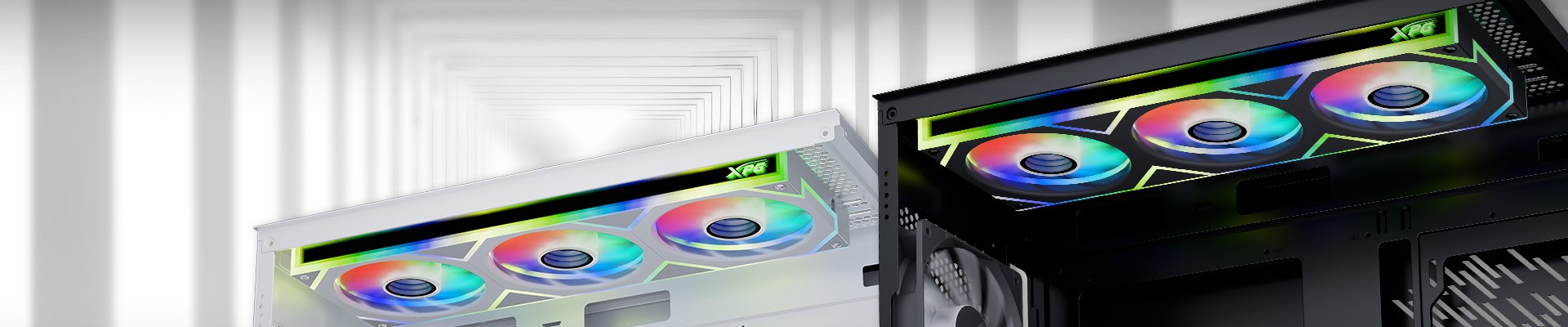
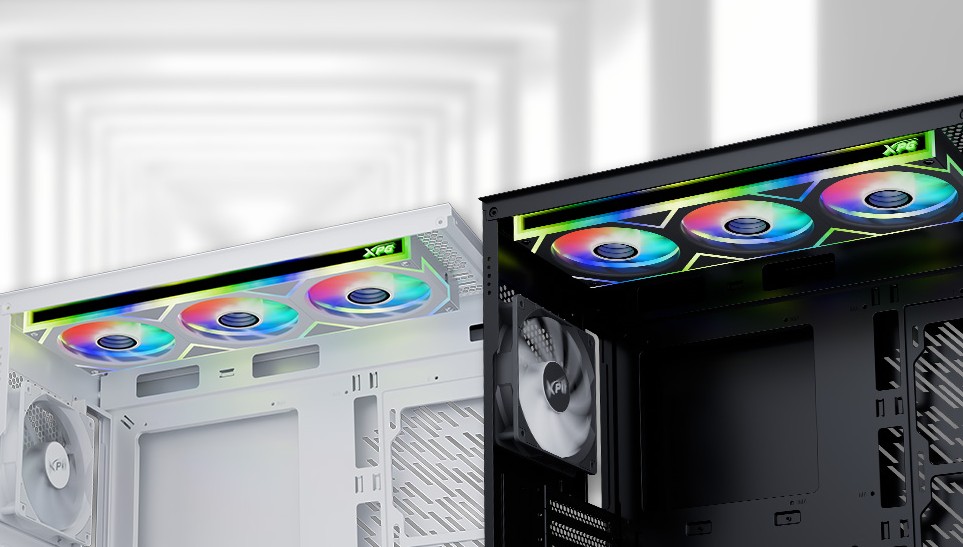
We are talking about the case fans. DIY beginners are usually sticking with stock fans that come with the chassis, which can be a critical downside that makes your fancy build only a 9 out of 10. Now with the XPG INFINITY series cooling fans launched on the market, it’s an instant and affordable upgrade to that missing puzzle.

The XPG INFINITY series cooling fans feature infinite mirror aesthetic that frames the view and catches eyes. The lineup includes 3 different models each with 2 color variants: INFINITY F360/F120/R120. The single-frame design of INFINITY F360 reduces messy cables that daisy chain each fan, making it the perfect choice for your 3x 120mm fan slots or even an upgrade to the AIO radiator. Not to mention the INFINITY F120 is the optimal replacement for the rear stock fan and the INFINITY R120 can be an extra improvement for the bottom intakes.
Conclusion
Elevating your desktop's aesthetic is all about intentional, harmonious choices. By framing your build with the right chassis, utilizing clever cable-hiding configurations like reverse-connector motherboards, and crowning the system with premium components like XPG INFINITY series cooling fans, you can construct a rig that is an absolute joy to look at—and just as thrilling to play on.