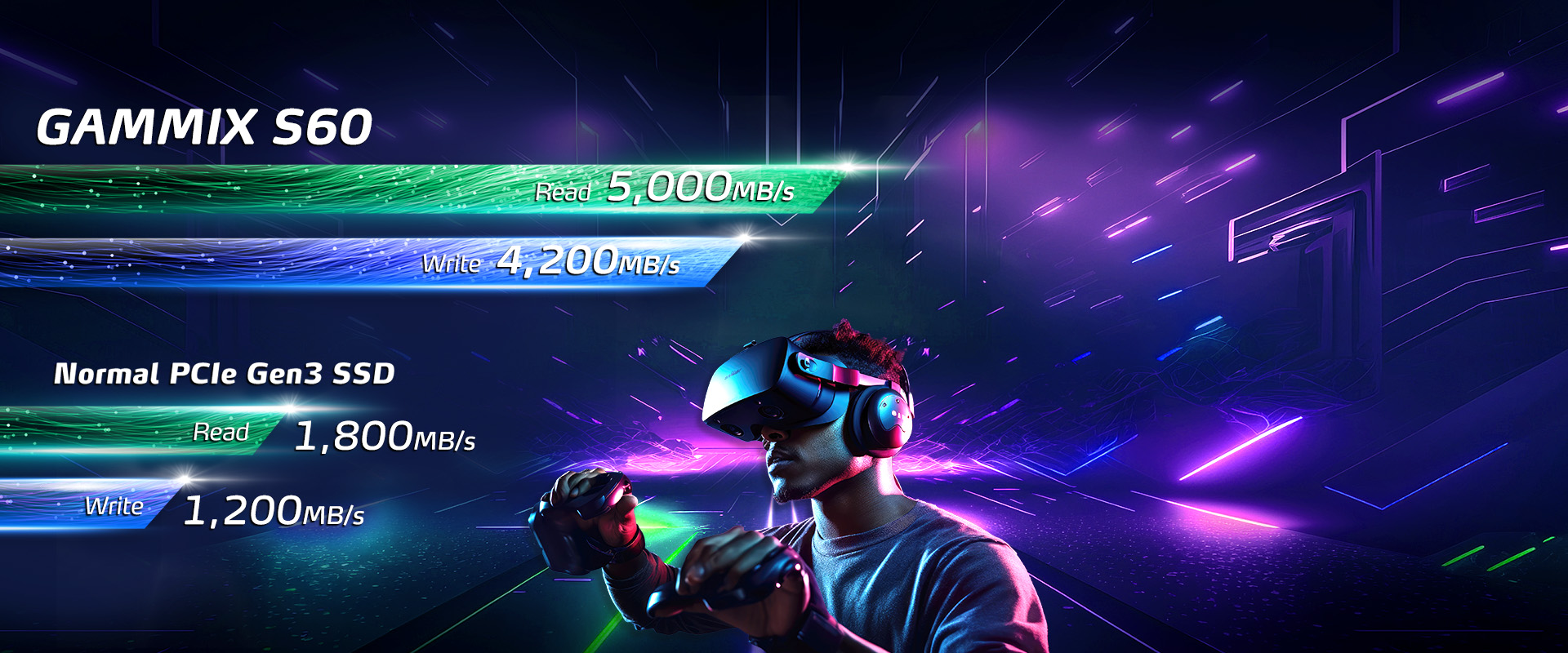
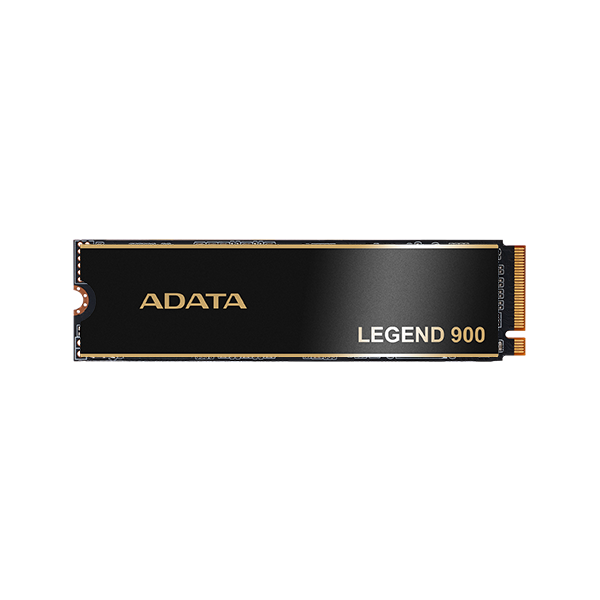
Strike back without fear! The GAMMIX S60 is equipped with a PCIe Gen4 x4 transmission interface which can achieve sequential read/write speeds of up to 5,000/4,200MB per second, enough to dominate the latest e-sports platforms. It is twice as fast as standard PCIe Gen3 SSDs and 15 times faster than a SATA SSD. It is fully backward compatible with current PCIe 3.0 platforms and delivers the thrill of crushing your opponents!
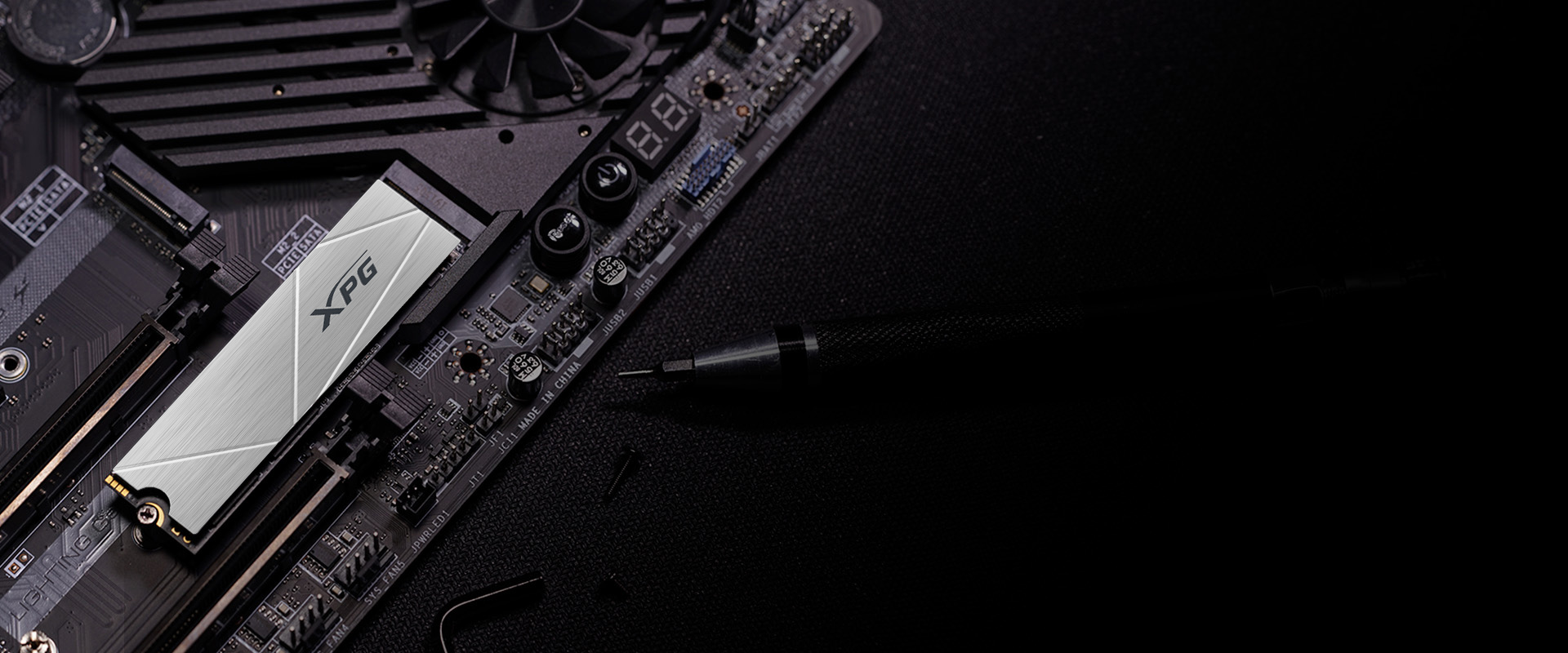
Running out of drive space after installing a few games?! The GAMMIX S60 is the best solution to the PS5's lack of built-in storage capacity. Not only does its form factor fit perfectly with the PS5's memory slot design, but its performance matches official PS5 requirements. Adding more AAA games will not be a problem.
*According to Sony, even if the read and write speed is higher than the official standard, not all games can actually experience the same performance as the PS5 console's built-in SSD.
Powerful performance no matter the file size. The GAMMIX S60 is available in a spacious 2TB capacity and utilizes a variety of data protection and correction technologies to greatly increase its Total Bytes Written volume (TBW) and durability to meet the needs of various storage applications.
The GAMMIX S60 is equipped with a SLC caching algorithm and HMB (Host Memory Buffer), delivering the advantages of caching and improving the efficiency of multi-file processing. The SSD also adopts a LDPC (Low Density Parity Check Code) error correction mechanism and high-level encryption technology to ensure the accuracy and security of data transmission.
The GAMMIX S60 has passed rigorous verification testing at all levels, ensuring enhanced durability. It also comes with a five-year warranty for greater peace of mind when gaming!
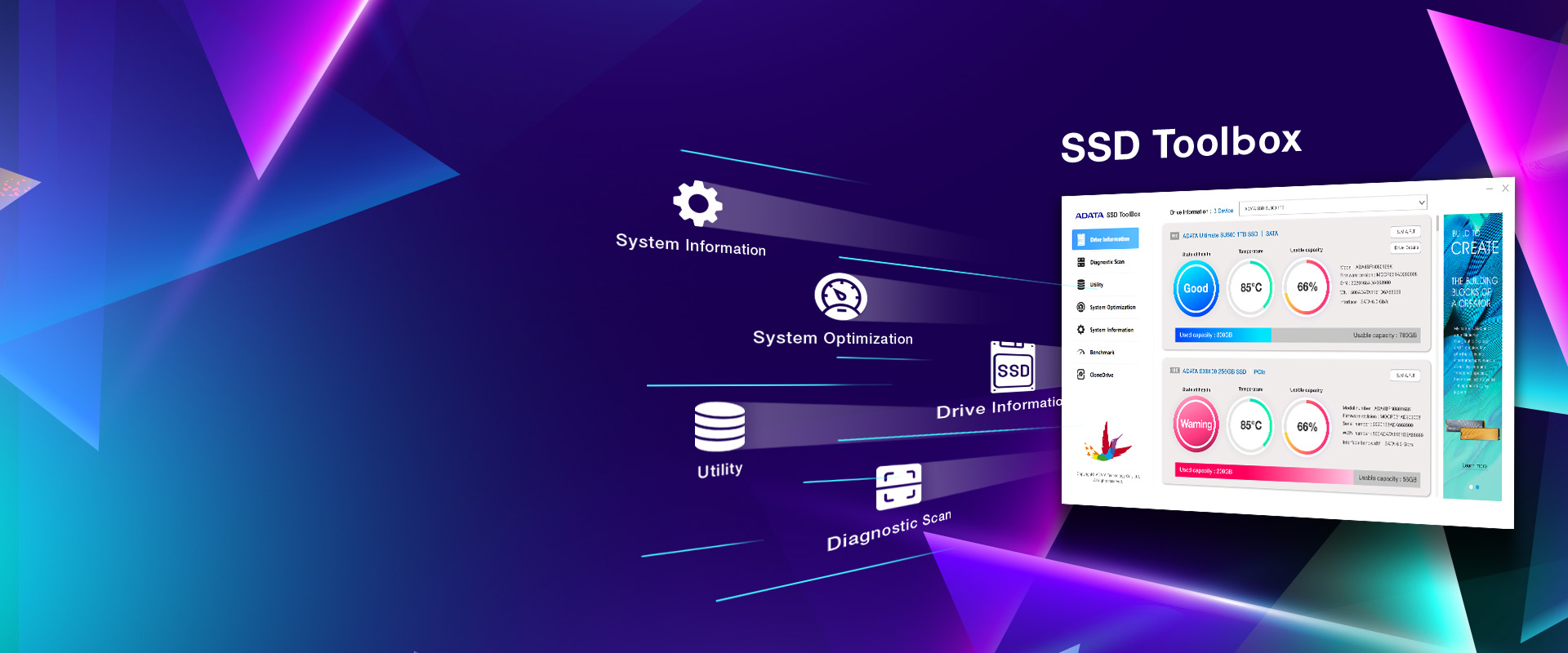
SSD Toolbox helps enhance overall performance and stability through the latest firmware updates, while also resolving occasional minor hardware and software issues. The Dashboard continuously monitors, analyzes, and reports S.M.A.R.T. data, allowing users to check SSD health and remaining lifespan, as well as current operating temperature and storage capacity—so you can stay on top of your SSD status at all times.
*To protect your SSD and valuable data, keep your firmware up to date. Click here to download SSD Toolbox for more details.