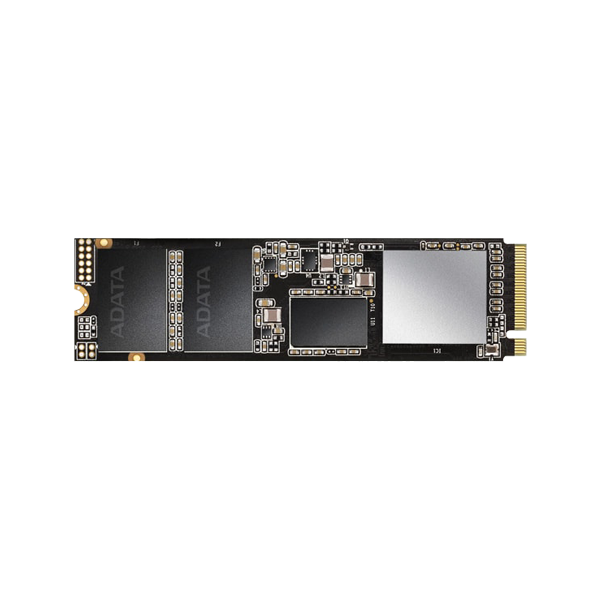


XPG SPECTRIX S20G PCIe Gen3x4 M.2 2280 Solid State Drive
XPG SPECTRIX S20G PCIe Gen3x4 M.2 2280 Solid State Drive

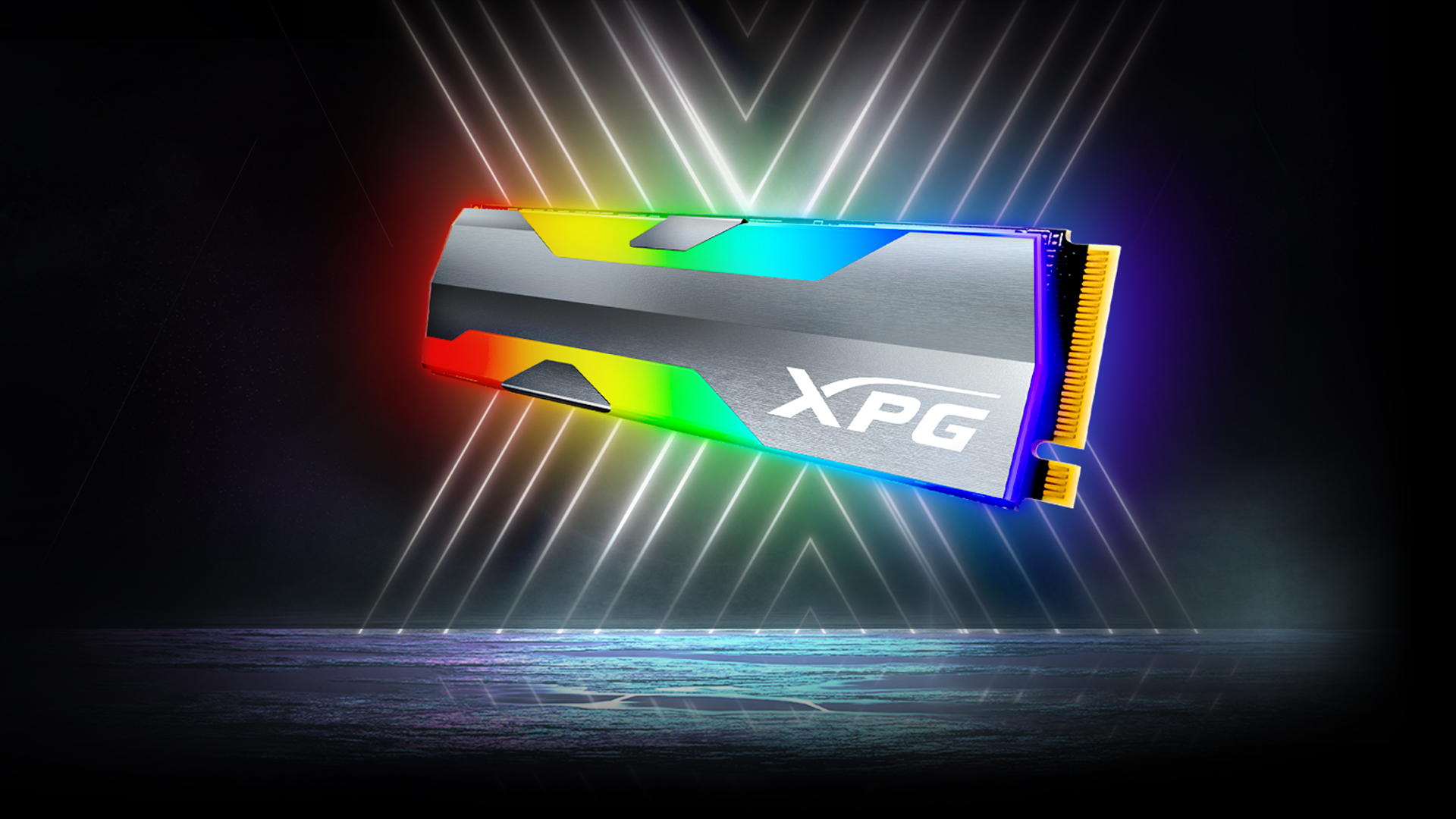
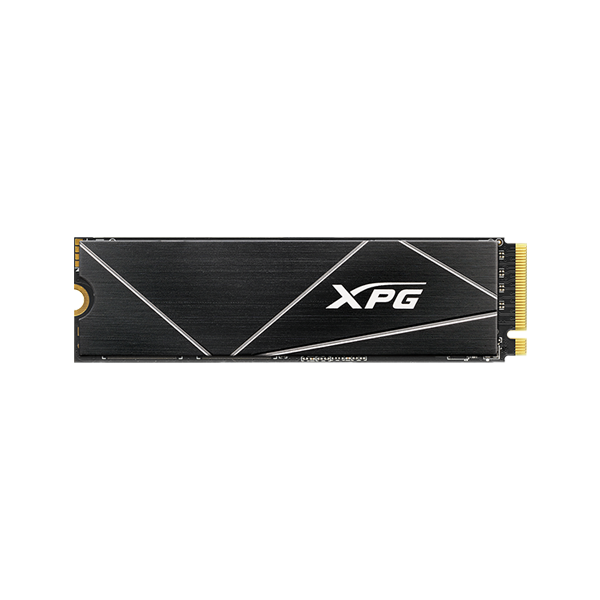
The XPG SPECTRIX S20G's styling will take your PC build to the xtreme with its distinct x-shaped RGB lighting, while its performance will level-up your gaming with read/write speeds of 2500/1800MB per second.
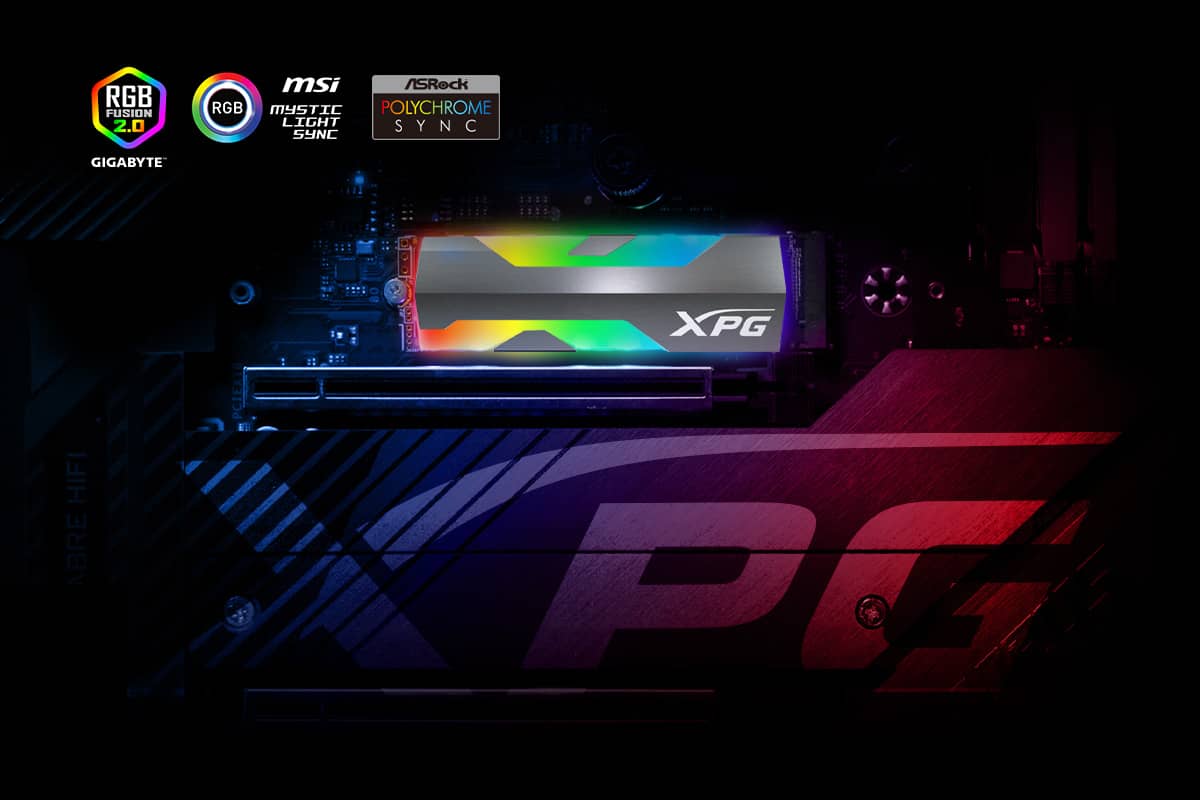
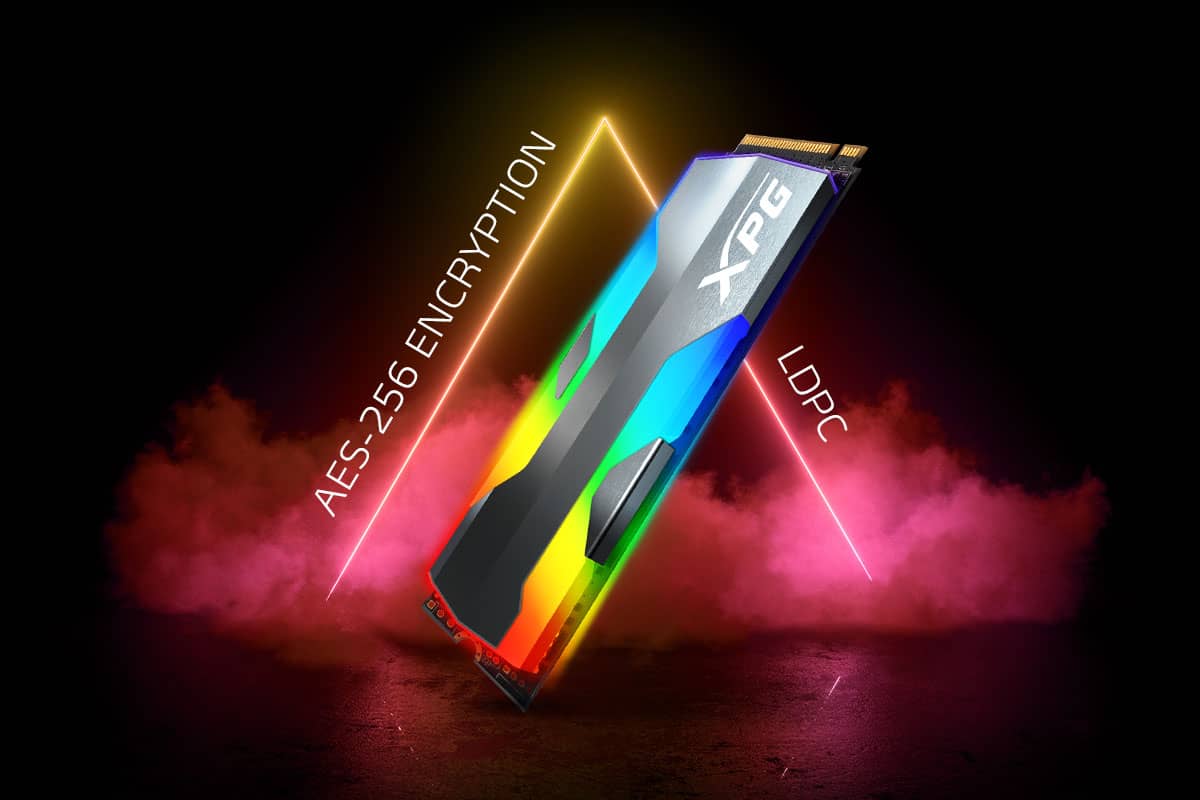
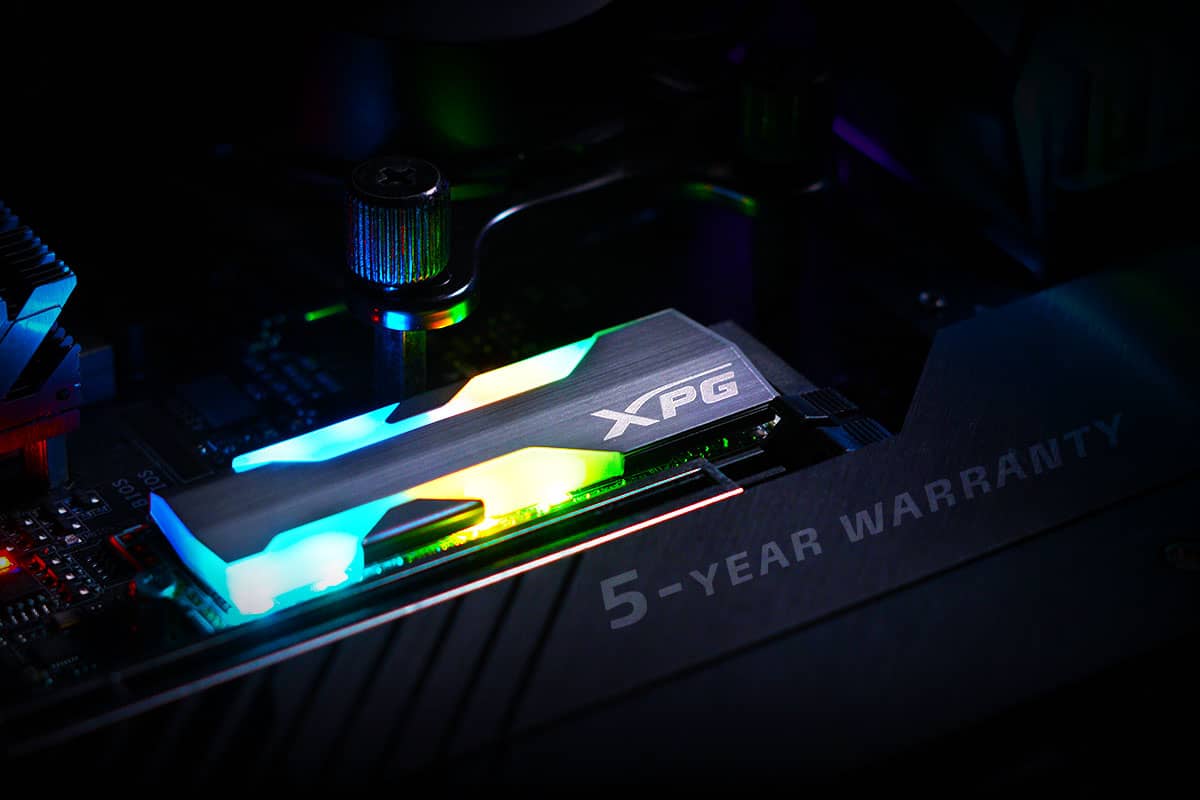
The XPG SPECTRIX S20G is a gaming SSD through and through and its styling reflects this. It sports a distinctive and prominent x-shaped RGB design that outshines the competition. The RGB light effects can be customized via software. For ease of use, the S20G is compatible* with most motherboards from all the major brands. What's more, a hairline-brushed finish gives the SSD a formidable yet elegant look that will intimidate and impress.
*For the support and operation information of RGB control software, please contact the official website of each motherboard supplier.
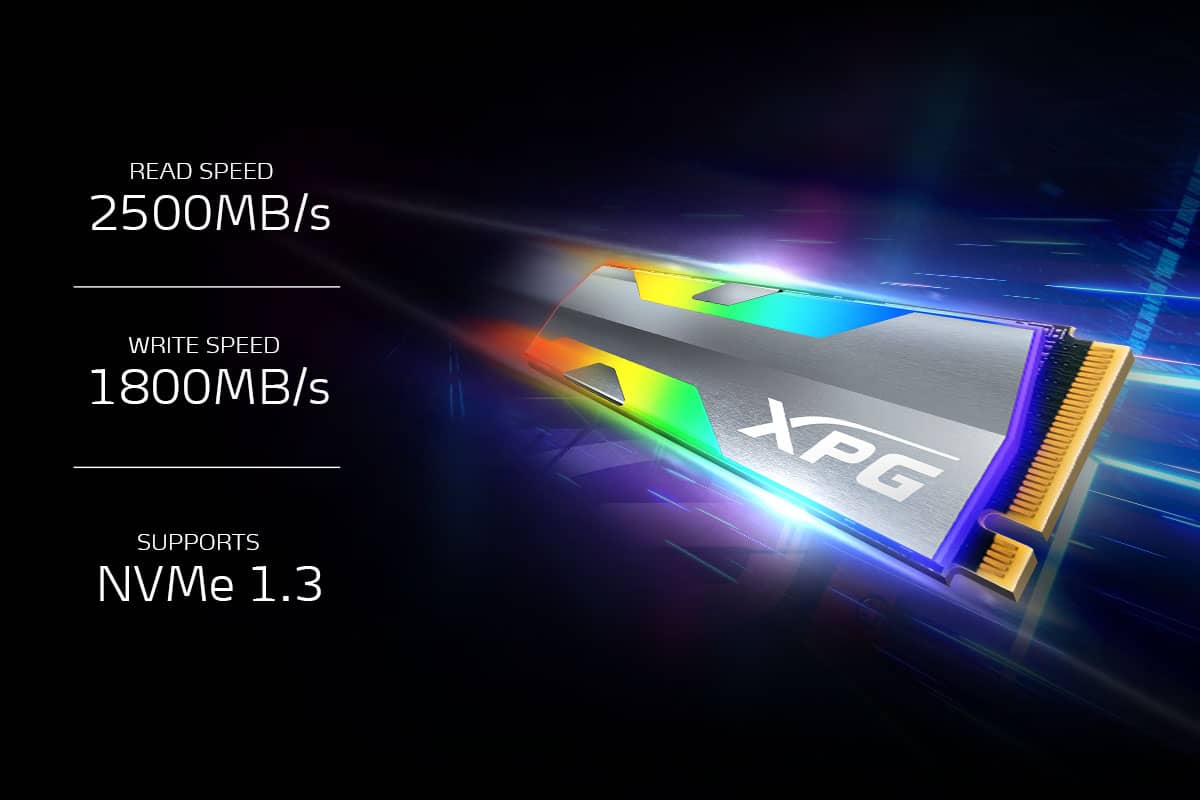
Accelerate your gaming experience with the NVMe 1.3-compliant SPECTRIX S20G. Built with 3D NAND Flash and sporting read/write speeds of 2500/1800MB/s, load games faster and enjoy smoother gameplay. It works with all the latest Intel and AMD platforms for no-hassle compatibility.
Using the PCIe Gen3x4 interface and featuring support for SLC Caching and Host Memory Buffer, you'll surpass your opponents with random read/write speeds of 160K/190K IOPS.
The SPECTRIX S20G supports LDPC (Low-Density Parity-Check) error correcting code technology to detect and fix a wider range of data errors. Plus, with AES 256 encryption, it'll ensure data security and integrity.
Every component on the SPECTRIX S20G has passed meticulous screening, testing, and certification. It also comes backed by a 5-year warranty.
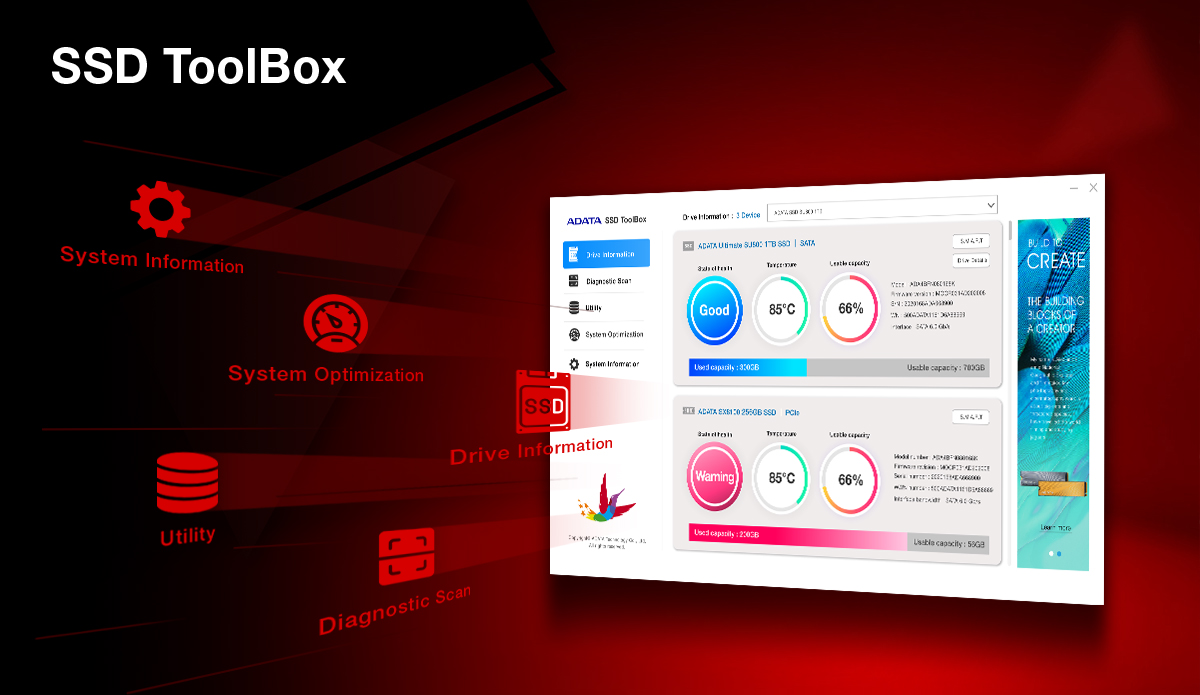
SSD Toolbox helps enhance overall performance and stability through the latest firmware updates, while also resolving occasional minor hardware and software issues. The Dashboard continuously monitors, analyzes, and reports S.M.A.R.T. data, allowing users to check SSD health and remaining lifespan, as well as current operating temperature and storage capacity—so you can stay on top of your SSD status at all times.
*To protect your SSD and valuable data, keep your firmware up to date. Click here to download SSD Toolbox for more details.