WHAT IS A REVERSE-CONNECTOR (BTF) MOTHERBOARD?
Reverse-connector motherboards move many internal headers from the front of to the rear of the printed circuit board (PCB). Depending on the brand, they are often referred to as back-connect motherboards.
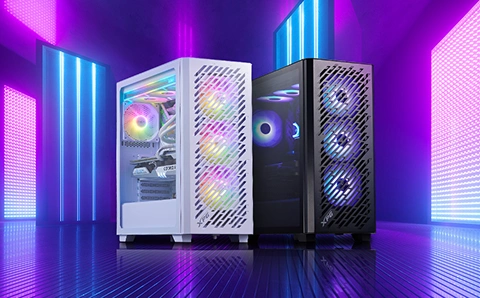
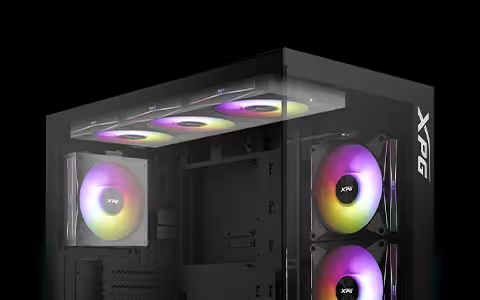
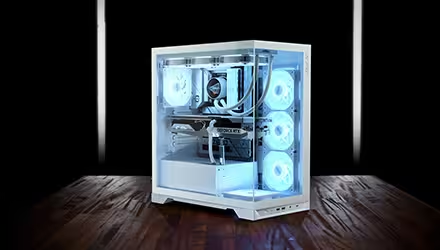
The pay-off is a cleaner-looking build and potentially better airflow – if your PC case supports the rear-facing layout.
HOW DO REVERSE-CONNECTOR MOTHERBOARDS WORK?
A reverse-connector motherboard relocates many headers to the rear side of the board, keeping them out of sight. This typically includes the 24-pin ATX power connector, SATA ports, fan headers, and front I/O.
Some ecosystems go further by pairing the motherboard with compatible GPU designs to reduce visible cabling even further. For example, ASUS Advanced BTF uses a dedicated high-power graphics card slot on certain BTF motherboards.
In practice, these motherboards help minimize cabling in plain view, improving airflow and delivering a sleeker aesthetic.
|
PROS |
CONS |
|
Incredibly clean, sleek looking PC build |
Case support is limited; choose a BTF/reverse-connector compatible case with the required cutouts |
|
Unmatched cable management |
Rear side can get crowded, be mindful of cable and connector thickness |
|
Easier access for upgrades and cleaning |
|
|
More open interior can improve airflow |
ARE REVERSE-CONNECTOR MOTHERBOARDS COMPATIBLE WITH ALL COMPONENTS?
Most parts are compatible – the main limitation is the PC case. Because the connectors sit on the back of the motherboard, the case must have the right cutouts and enough clearance behind the motherboard tray.
When choosing a PC case, confirm:
● It explicitly supports reverse-connector / BTF / Stealth / Zero / back-connect motherboards
● It supports your motherboard size (ATX or mATX)
● It matches the ecosystem you’re using (e.g., ASUS BTF, Gigabyte Project Stealth, MSI Project Zero)
Other components are largely compatible but double-checking component clearances and fitment carefully means you will be able to avoid surprises.